Monitoring and automation
Workspace
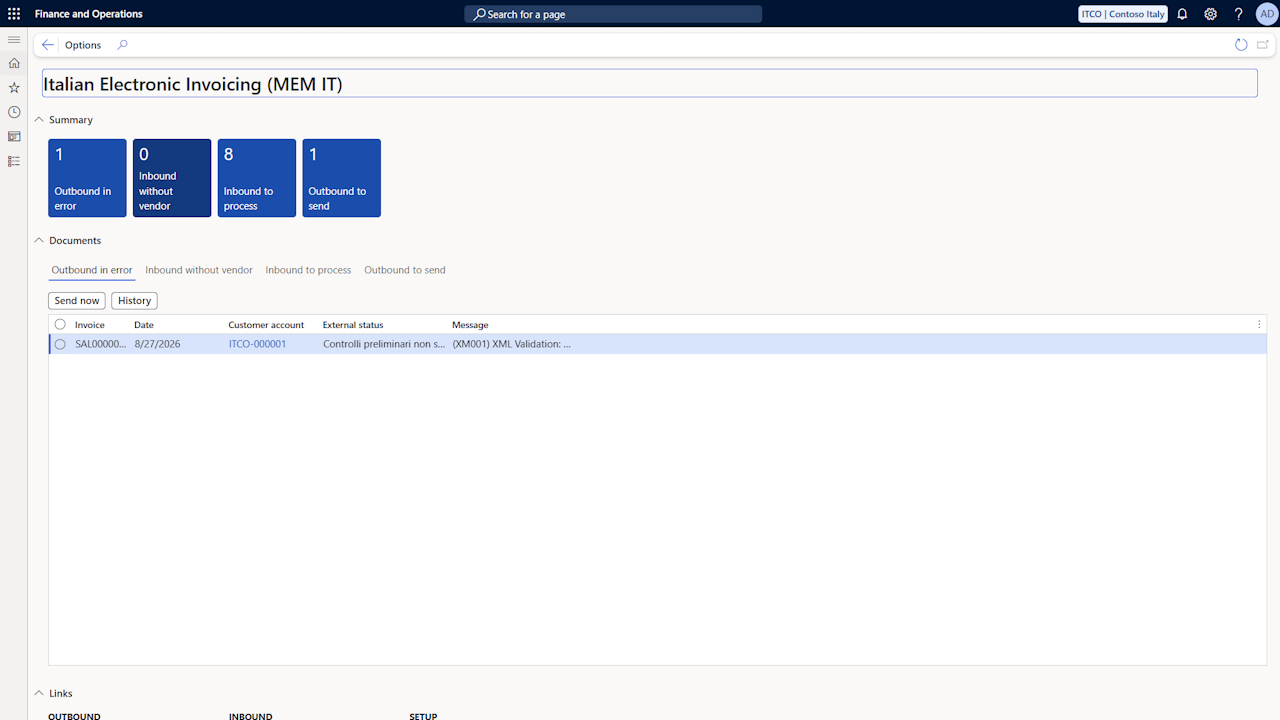
The Italian Electronic Invoicing (MEM IT) workspace is available from the home page, in the Workspaces section, for the users assigned to the roles of the app. It contains:
The counters of the documents requiring attention: Outbound in error, Inbound without vendor, Inbound to process and Outbound to send. Each counter opens the corresponding list, already filtered.
The Documents section, with one tab per counter listing the documents and the actions to process them directly from the workspace: Send now, History and Open document for the outbound documents; Details, Create vendor, Create document and Execute mapping for the inbound documents.
The links to the pages of the app, grouped by outbound, inbound and setup.
History
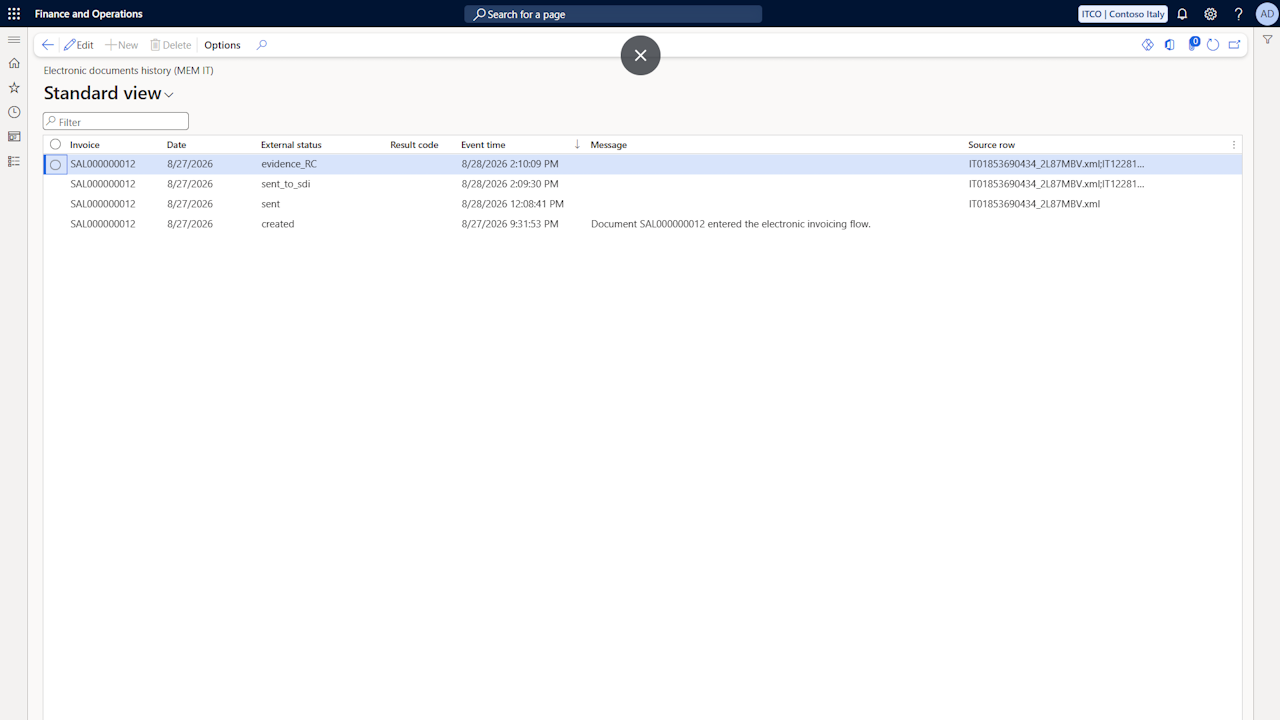
The Electronic documents history (MEM IT) page records, in chronological order, the events of each sent document: creation, sending, outcomes received from the SdI and errors. The page is available in the Accounts receivable menu and can be opened, filtered to the single document, through the History action of the sent documents page.
Interfaces
The Electronic documents interface log (MEM IT) page records every communication performed with the intermediary's systems: for each call, the execution context, the start and end time, the HTTP status and the outcome are reported. Through the Export request and Export response actions it is possible to download the exchanged payloads, useful for the verification of the communication in case of errors.
The entries older than the configured retention are deleted by the Clean up Italian Electronic Invoicing log periodic task.
Batch jobs
The sending, receiving and status update activities can be automated through the following periodic tasks, available in the menus of the app and schedulable with the standard batch recurrence:
Send electronic invoices (Accounts receivable): sends all the open staged documents to the intermediary's system.
Retrieve electronic invoice statuses (Accounts receivable): retrieves the report containing the outcomes coming from the SdI and updates the status of the sent documents.
Download received electronic invoices (Accounts payable): downloads the documents received since the last successful request; based on the parameters, the vendor is resolved and the pending vendor invoice is created automatically.
Send conservation protocols (Accounts payable): reports the registration references of the posted purchase documents to the preservation system.
It is recommended to activate the batch jobs only after having validated the configurations through some manual executions, as described in the Sales page.
Rejection notifications by email
It is possible to activate a daily email notification related to the rejected documents or documents with errors, directly from the YouDOX portal. The configuration is described in the Getting started page.